A battery replacement is the most common phone repair and the one most likely to be attempted at home. On some models it is a careful twenty-minute job. On others it requires heat, solvent, and a willingness to accept that the screen may not survive. The difference is the design, not your confidence.
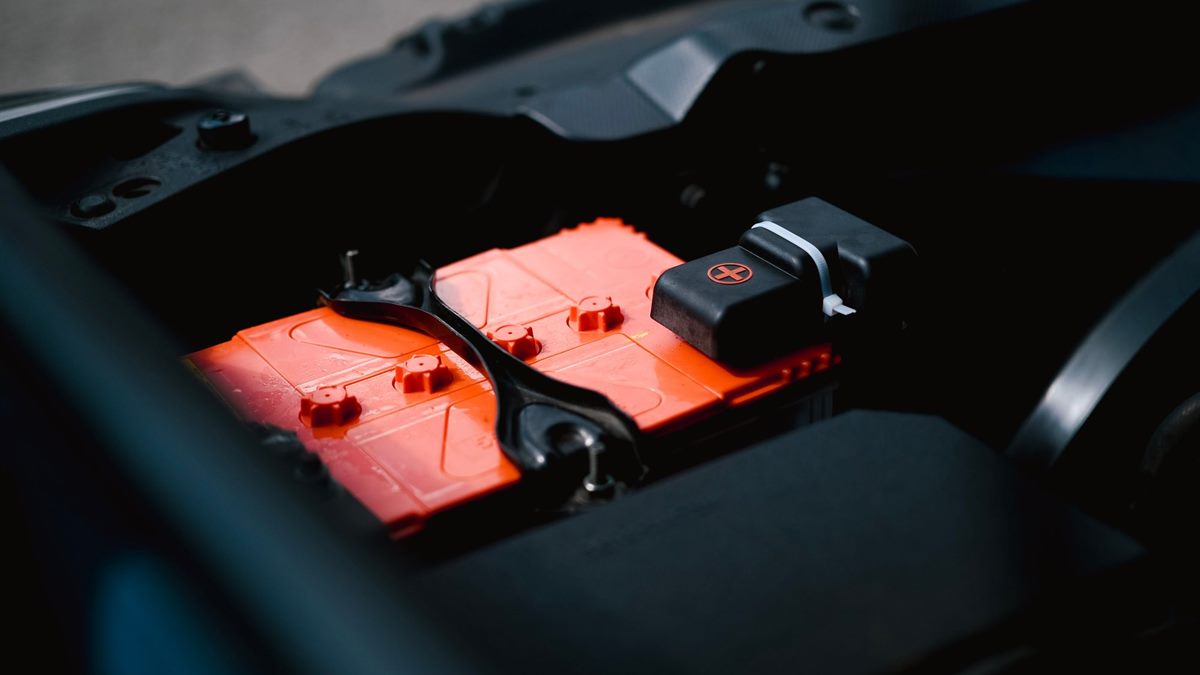
Back up before the case comes off
Do this first, not after the screen is loose. Copy the phone to a computer or cloud account and confirm that the backup restores on another device. A repair that goes wrong can leave the phone unable to boot, and a backup is the only thing that turns a broken phone into a recoverable one.
Note the passcode and any account locks. Some phones require the original account to be removed before a battery service, and a replacement battery cannot fix a device that is locked to an account you no longer control.
Know which battery your phone uses
Look up the exact model number, not just the marketing name. Batteries differ by capacity, connector shape, and adhesive layout even within the same family. A compatible cell with the wrong connector or thickness can damage the board or fail to fit under the screen.
Buy from a supplier that states the model compatibility and provides a warranty. A suspiciously cheap cell may have a lower real capacity, poor temperature behaviour, or no protection circuit. The battery is not the place to optimise the budget.
The tools that make it possible
Most modern phones need a small pentalobe or Torx driver, a Phillips driver, a suction handle, plastic opening picks, and replacement adhesive. Some designs need heat to soften the display adhesive; others use pull tabs under the battery. Read the guide for your exact model before buying tools.
Plastic tools are not a suggestion. Metal picks and spudgers can puncture the cell, cut a flex cable, or short a component. Use a magnetic mat or a labelled tray for screws, because lengths differ and the wrong screw can damage the board.
The two risks that end the job
The first is a punctured or bent lithium cell. A damaged cell can vent hot gas and ignite. If the battery deforms, stop, do not charge it, and place the phone outside or on a non-flammable surface away from anything that can burn. Do not try to bend it back.
The second is the display. The screen is thin glass bonded to a frame, and too much heat or leverage cracks it. If the screen starts to lift unevenly, add heat and patience rather than force. A cracked screen turns a battery job into a screen-and-battery job.
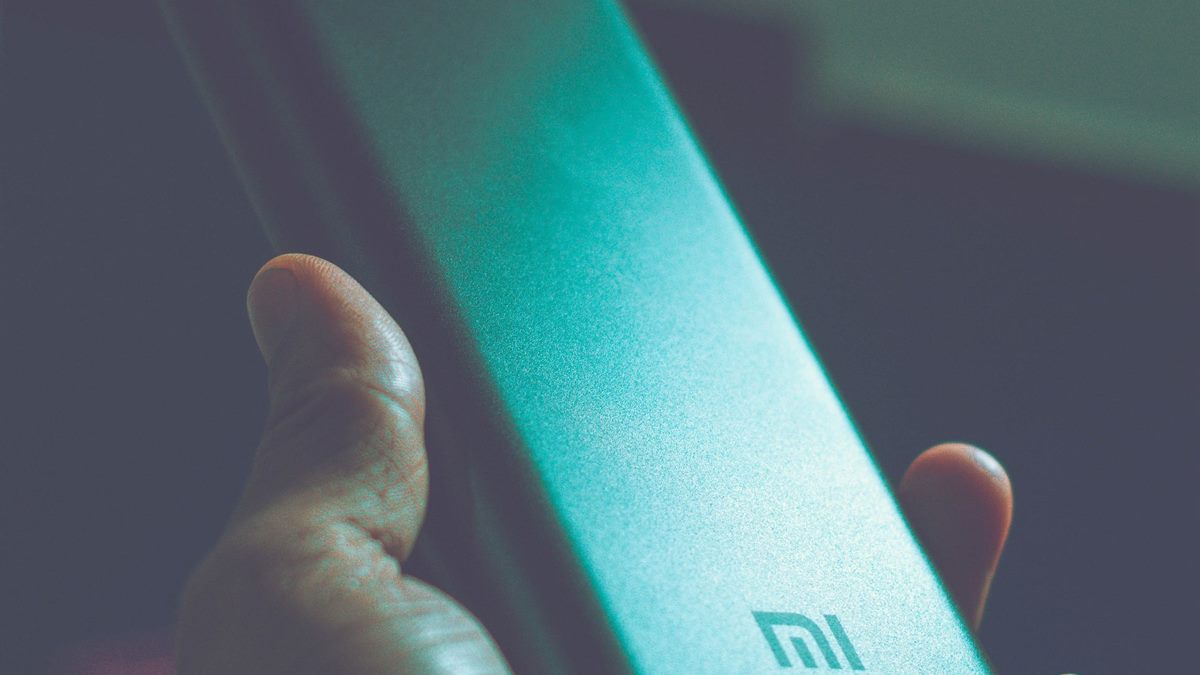
Test before you seal the phone
Connect the new battery, leave the screen temporarily in place, and charge the phone. Check that it powers on, that the battery percentage moves, and that the charging port works. Then test the camera, speaker, and sensors that share the same connector area before you apply new adhesive.
If the phone reports an unknown battery or a service warning, the replacement may need calibration or may not be recognised. Some manufacturers pair batteries with the device; in that case, a first-party service is the only path to full function.
Restore water resistance carefully
Water resistance depends on gaskets and adhesive that are compressed when the phone is closed. Reusing old adhesive usually breaks the seal. Use the correct replacement strips, remove old adhesive completely, and follow the curing time. If you cannot guarantee the seal, treat the phone as not water resistant afterwards.
When to hand it to a professional
Stop if the phone uses a laminated display with a strong adhesive, if the battery is buried under the board, or if you cannot find a guide for the exact model. Also stop if the phone is your only device and you need it working tomorrow. A professional has the tools and the spare parts to recover from a mistake.
iFixit publishes model-specific guides and tool lists at ifixit.com. Read the guide for your model end to end before you order anything; the step that requires heat or solvent is usually the one that decides whether the job is realistic.
Battery replacement checklist
- Back up and verify a restore before opening the phone.
- Match the battery to the exact model number.
- Use plastic tools, correct drivers, and replacement adhesive.
- Never pry or bend a lithium cell; stop if it deforms.
- Test charging and functions before sealing the case.
If the repair no longer makes financial sense, the comparison in repair or replace helps you decide when to stop investing in the device.
Frequently asked questions
Can I replace a phone battery myself?
On some models, yes, with the right guide, plastic tools, and replacement adhesive. On phones with laminated displays or batteries under the board, the risk of damage is high and a professional service is safer.
Why does my phone say the battery is unknown after replacement?
Some manufacturers pair the battery with the device or require calibration. A third-party cell may not be recognised, and a first-party service may be needed for full battery health reporting.
Is it safe to use a cheap replacement battery?
Cheap cells can have lower real capacity, poor temperature behaviour, or missing protection circuits. Buy from a supplier that states model compatibility and offers a warranty.
Will the phone stay waterproof after a battery replacement?
Only if the original gaskets and adhesive are replaced correctly and cured. Reusing old adhesive usually breaks the seal, so treat the phone as not water resistant if you cannot guarantee the repair.
Read next
Repair or Replace: The Five-Year Phone Decision
A repair is worth it when the failed part is serviceable and the price per remaining year beats a new handset. Do the math before the sales pitch.