Every phone reaches a week where two things fail at once: the battery no longer lasts a day and the screen has a crack that catches your thumb. The replacement instinct is strong, but the honest answer depends on which part failed, what the repair costs, and how many years the rest of the device can still give you.
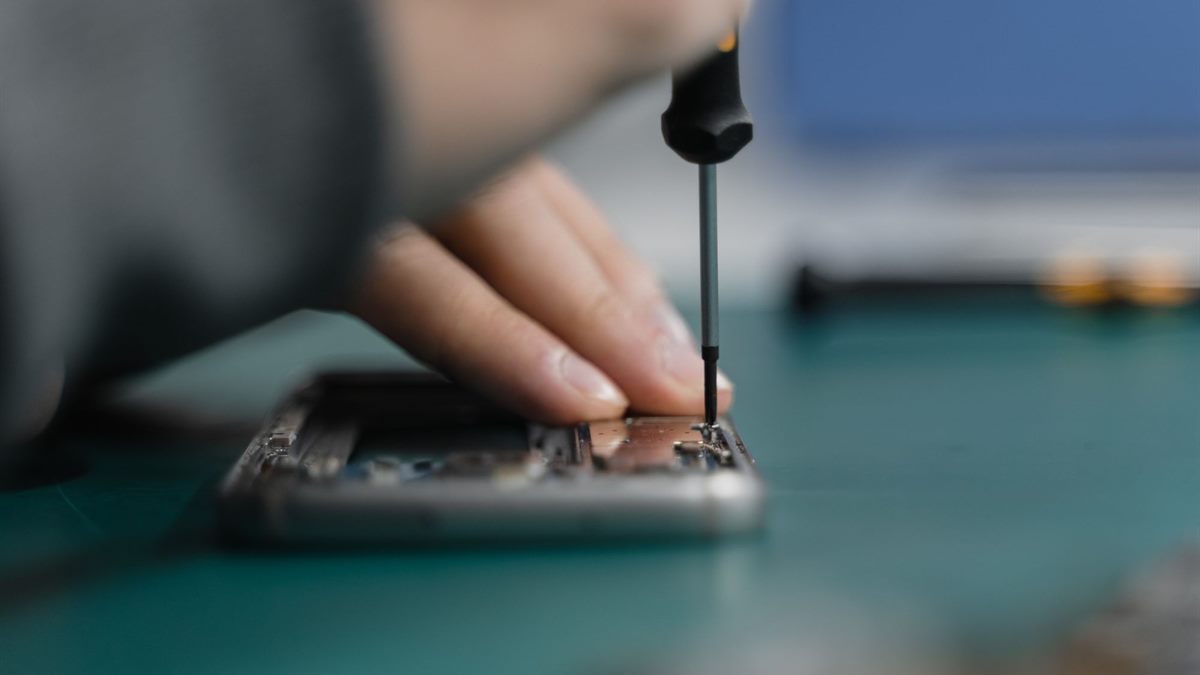
Start with the part that failed
Batteries, screens, charging ports, and back glass are the common failures, and they are not equal. A battery is a wear item with a known service life. A screen is expensive but well understood. A charging port may be a simple cleaning job or a board-level repair, depending on the design.
Water damage is the category where the math usually turns. Corrosion continues after the phone dries, and a device that works today can fail next month. If the phone has been submerged, treat any repair quote as provisional.
Price the repair against the next phone
Write down three numbers: the repair quote, the resale value of the phone in working condition, and the price of the replacement you would actually buy. The repair is competing with the difference, not with the full price of a new handset.
If the repair costs less than half the replacement and the phone is otherwise sound, it is usually worth doing. If the repair approaches the resale value, the decision is closer than the salesperson suggests. A device with a fresh battery and a clean screen also sells for more, which improves the case for repairing first.
Check parts and labour availability
A repair is only possible if the part exists. Ask whether the shop uses an original part, a pulled original, or a compatible aftermarket part. Each has a different price and a different risk. For older or unusual models, the part may be unavailable or cost more than the phone is worth.
Check the manufacturer's repair programme and the independent shops in your area. A first-party repair may cost more but preserve water resistance and warranty. An independent shop may be cheaper and faster, but ask about the adhesive and calibration steps before you agree.
Data risk changes the math
Any repair that opens the phone carries a small risk of data loss, and some repairs require a reset. Back up before handing the device over, and confirm that the backup restores on another device. If the phone is the only place a piece of data exists, the repair quote is missing a line item.
For a device that will not turn on, data recovery may cost more than the repair itself. Decide early whether the data or the hardware is the priority, because the answer changes which shop you call.
The five-year decision
Estimate the remaining useful years. A three-year-old phone with a new battery may be good for another two. A five-year-old phone with a failing screen and no security updates may be at the end even if the repair is cheap. Security updates are part of the hardware's useful life, not a software extra.
Divide the repair cost by the years you expect to gain, then compare it with the annual cost of the replacement. This is the same logic as any other long-lived purchase, and it keeps the decision away from how the new model looks in the shop.
Repair-or-replace checklist
- Identify the failed part and whether it is a wear item or a board fault.
- Get a written quote with parts, labour, and diagnostic fees.
- Compare the repair with replacement price minus resale value.
- Back up and test the restore before any repair that opens the device.
- Check security-update support before extending the phone's life.
If the failed part is the battery and the phone is otherwise healthy, the next step is the battery guide. The tools and risks are covered in phone battery replacement. When the device is genuinely finished, recycle it through a programme such as the one described by the EPA electronics recycling page instead of the household bin.
Frequently asked questions
Is it worth repairing a phone that is four years old?
It depends on the part and the update support. A battery replacement on an otherwise working phone can add two years, while a screen repair on a device without security updates may not be worth the cost.
Should I use an original part or a compatible part?
Original parts usually preserve fit and water resistance but cost more. Compatible parts vary in quality, so ask about the supplier and the warranty before agreeing to the repair.
Will a repair erase my data?
Some repairs require a reset, and any repair carries a small risk. Back up first and confirm the backup restores on another device. Ask the shop whether they need your passcode.
What should I do with a phone that cannot be repaired?
Back up or erase personal data, then use a manufacturer trade-in or a certified electronics recycler. Do not put the battery in the household waste.
Read next
Phone Battery Replacement: Tools, Risks, and Limits
A phone battery is a serviceable part on many models, but the adhesive and the cell are unforgiving. Prepare the tools and the exit plan first.